Inerica POS · Live at two counters, a third in setup
A register that keeps working when the internet doesn’t.
A register that depends on the cloud stops when the connection does. Inerica POS keeps the counter running: cash and account sales queue on the machine, the drawer still opens, and each queued sale is recorded exactly once when you're back.
- One-time setup, from
- $1,500One-time setup, from
- Service, first year (then $1,198)
- $599/yrService, first year (then $1,198)
- Cut of your sales
- 0%Cut of your sales
One sale, start to finish
Arrival, scan, payment, receipt, audit trail.
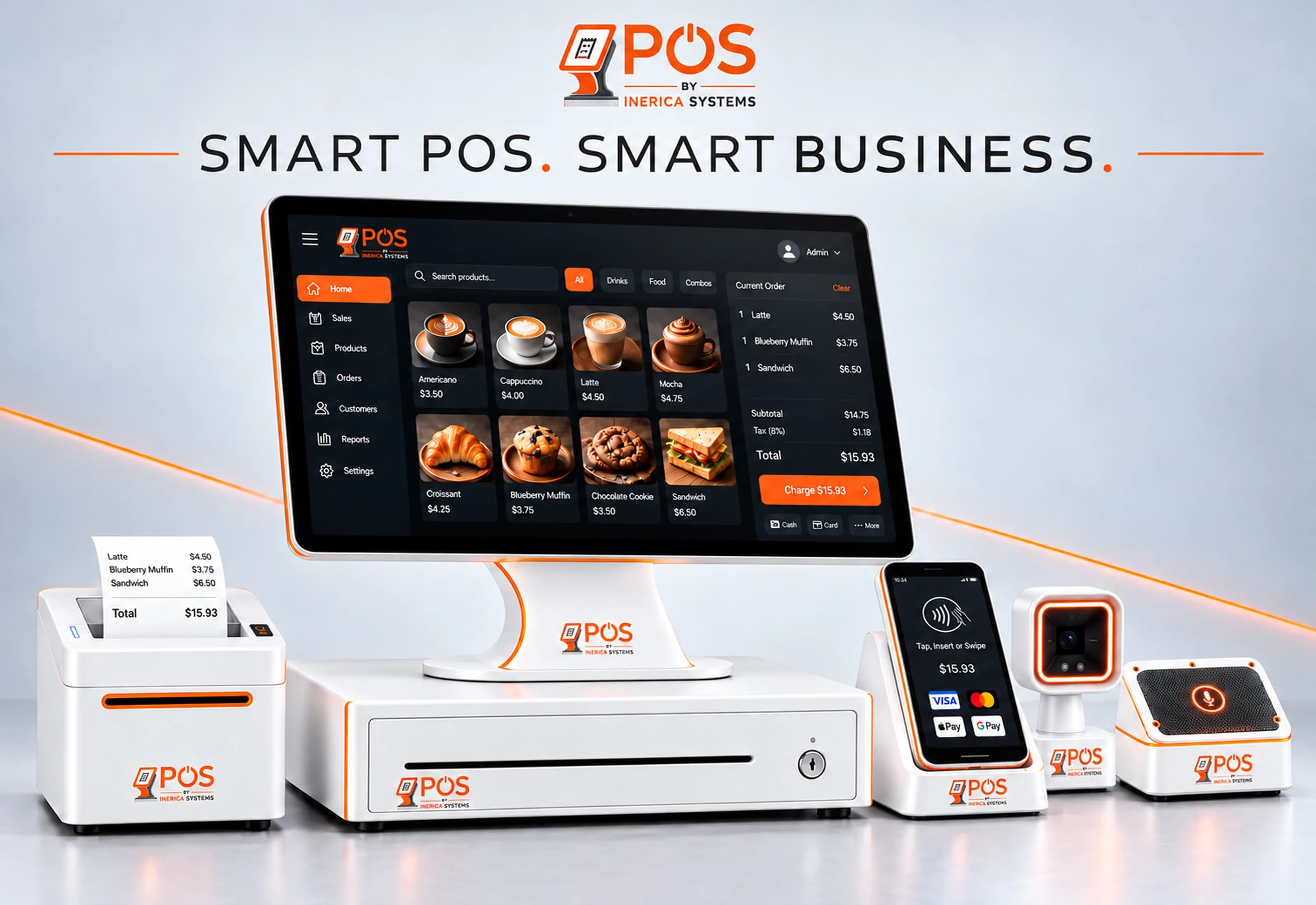
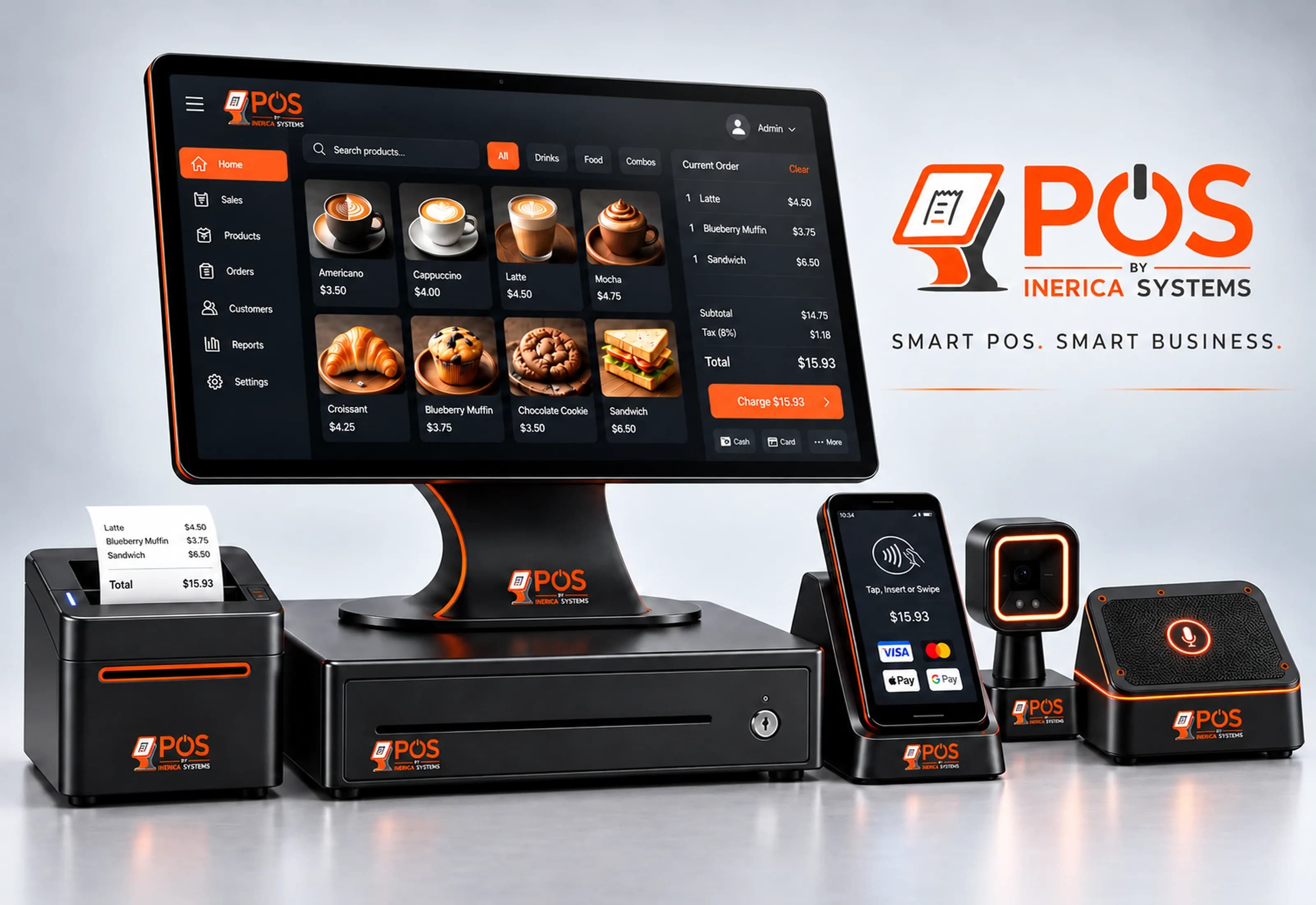
Every sale crosses the same five stations on the counter. Each one is a piece of ordinary hardware driven from the register, and each one has a plain answer for what it does when the connection drops.
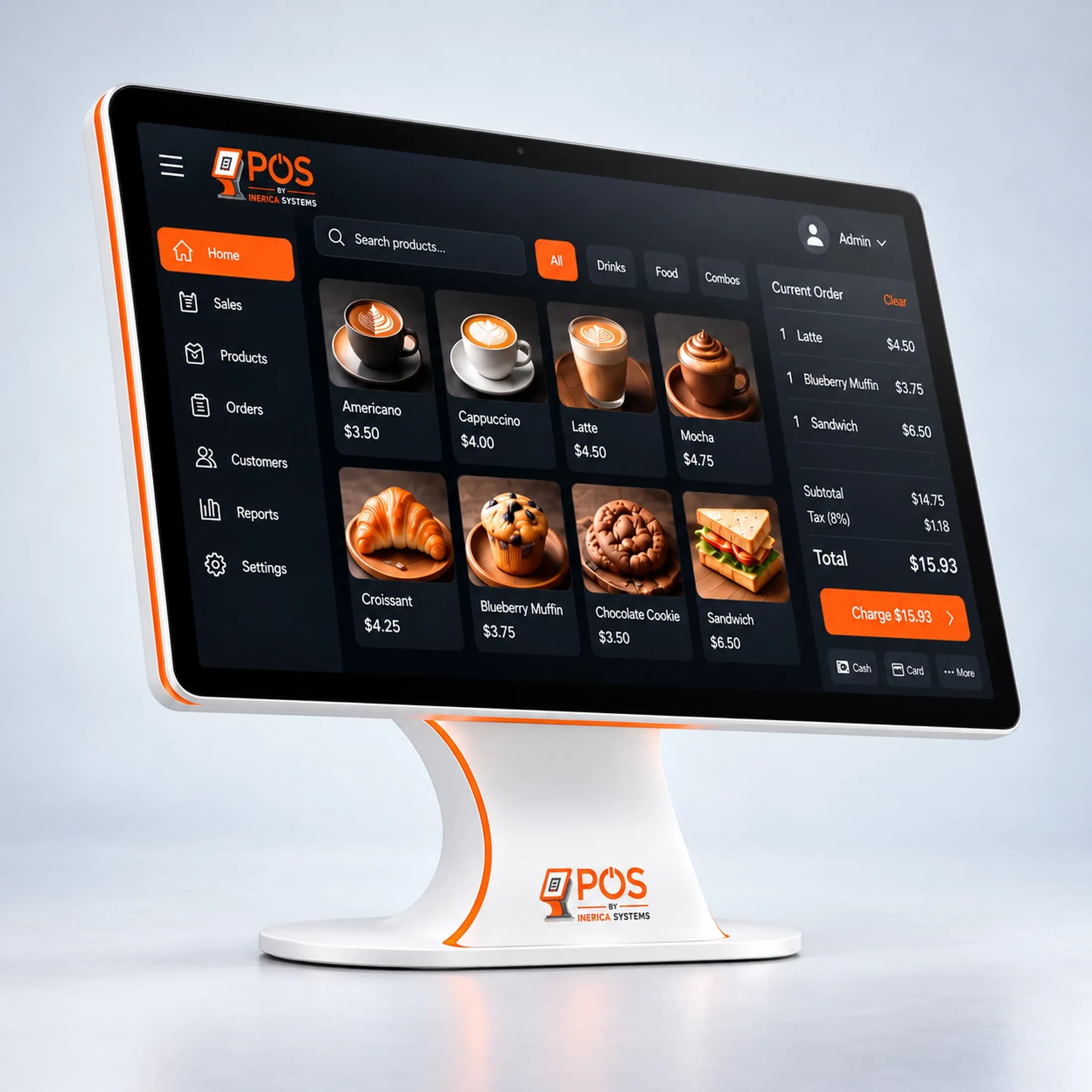
Arrival
A ticket opens for whoever is at the counter.
A walk-in or a contractor on account. Their pricing applies before the first item rings, and the customer-facing display shows each line and the total as it builds.
With the connection down
The ticket keeps building on the register. Nothing at the counter waits on the network.
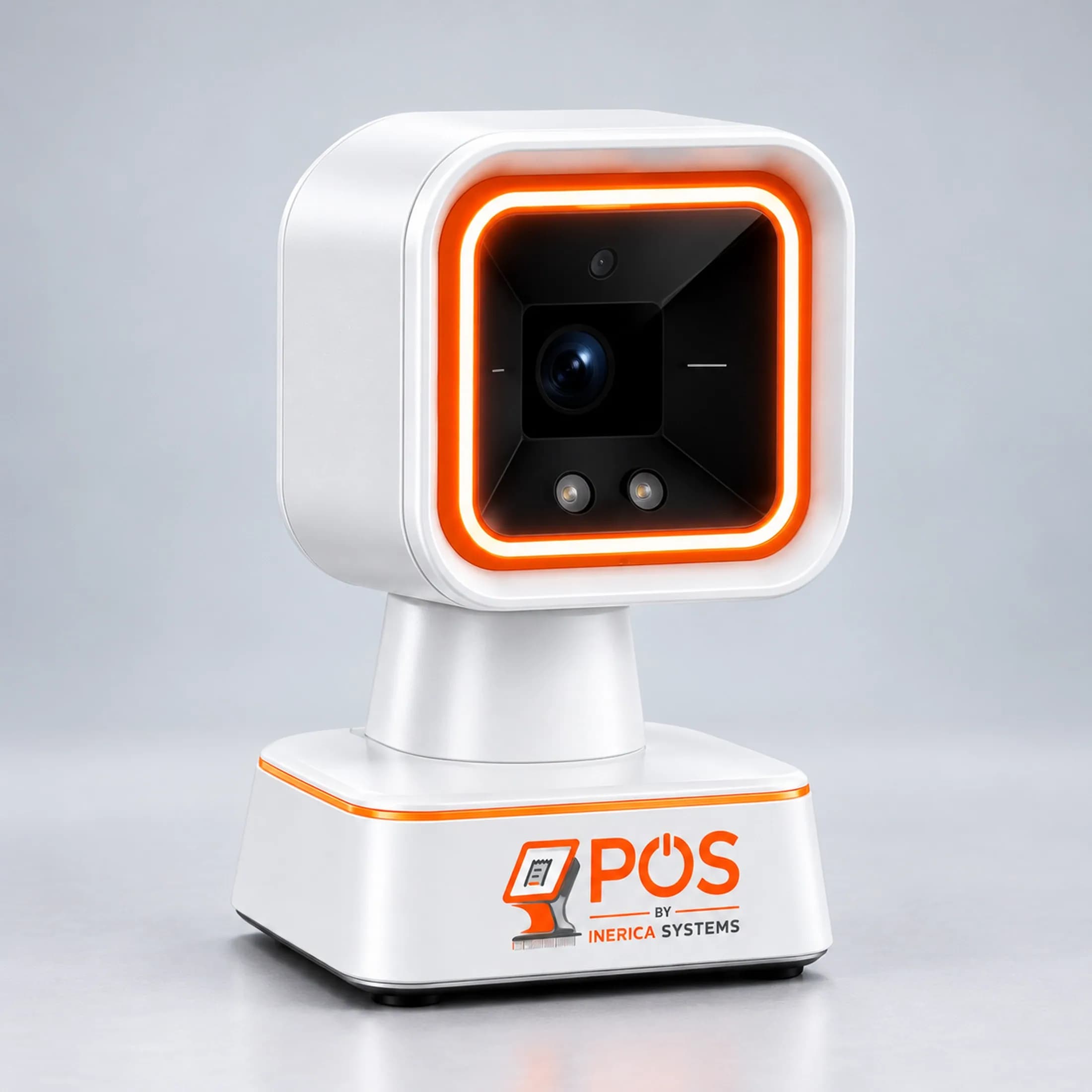
Scan
The scanner rings it, and stock answers back.
A scan adds the item by SKU. Bulk goods open a measurement picker — a yard, a half-yard — and anything out of stock is refused at the counter, not discovered at the next inventory count.
With the connection down
Scanning keeps adding to the open ticket, against the catalog already on the register.
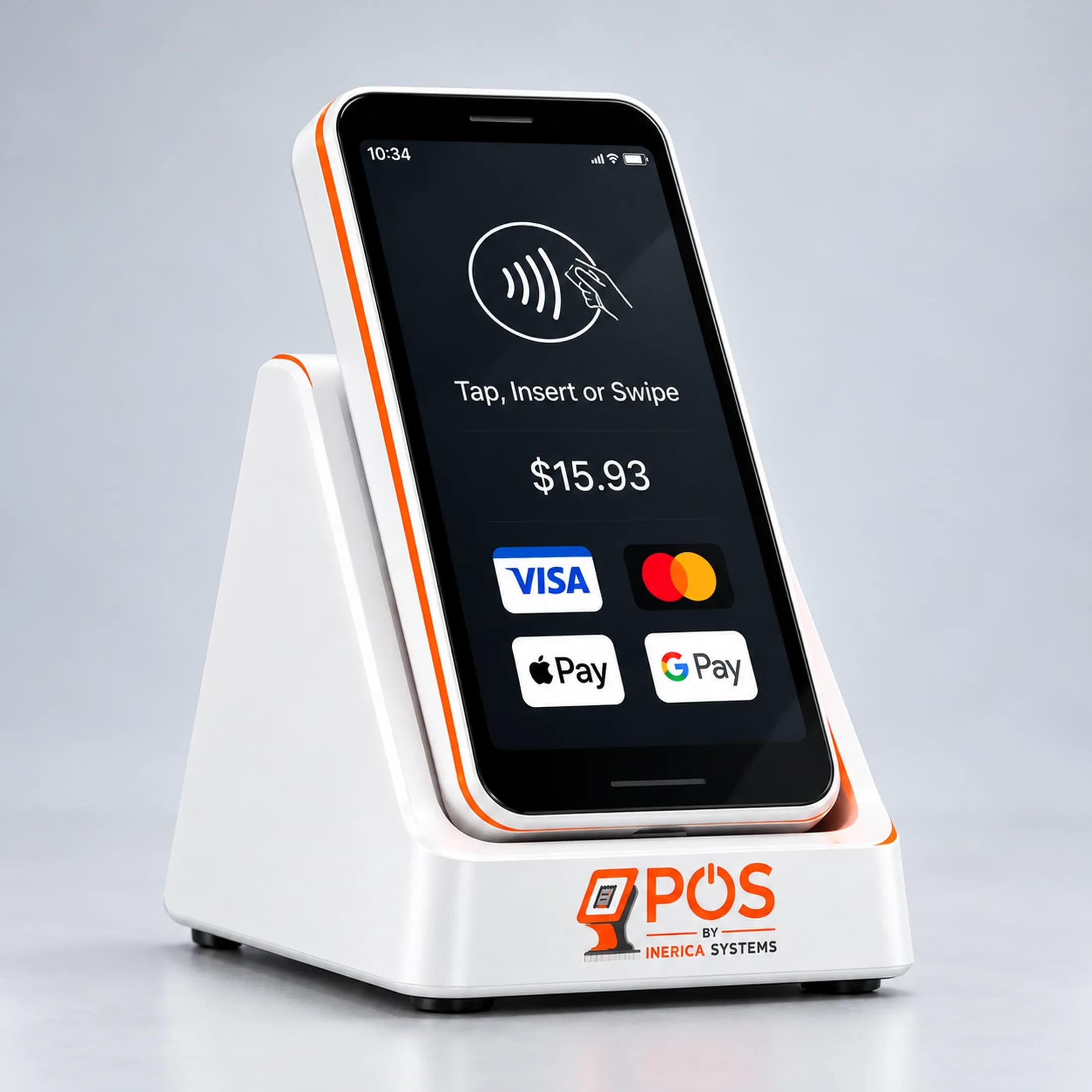
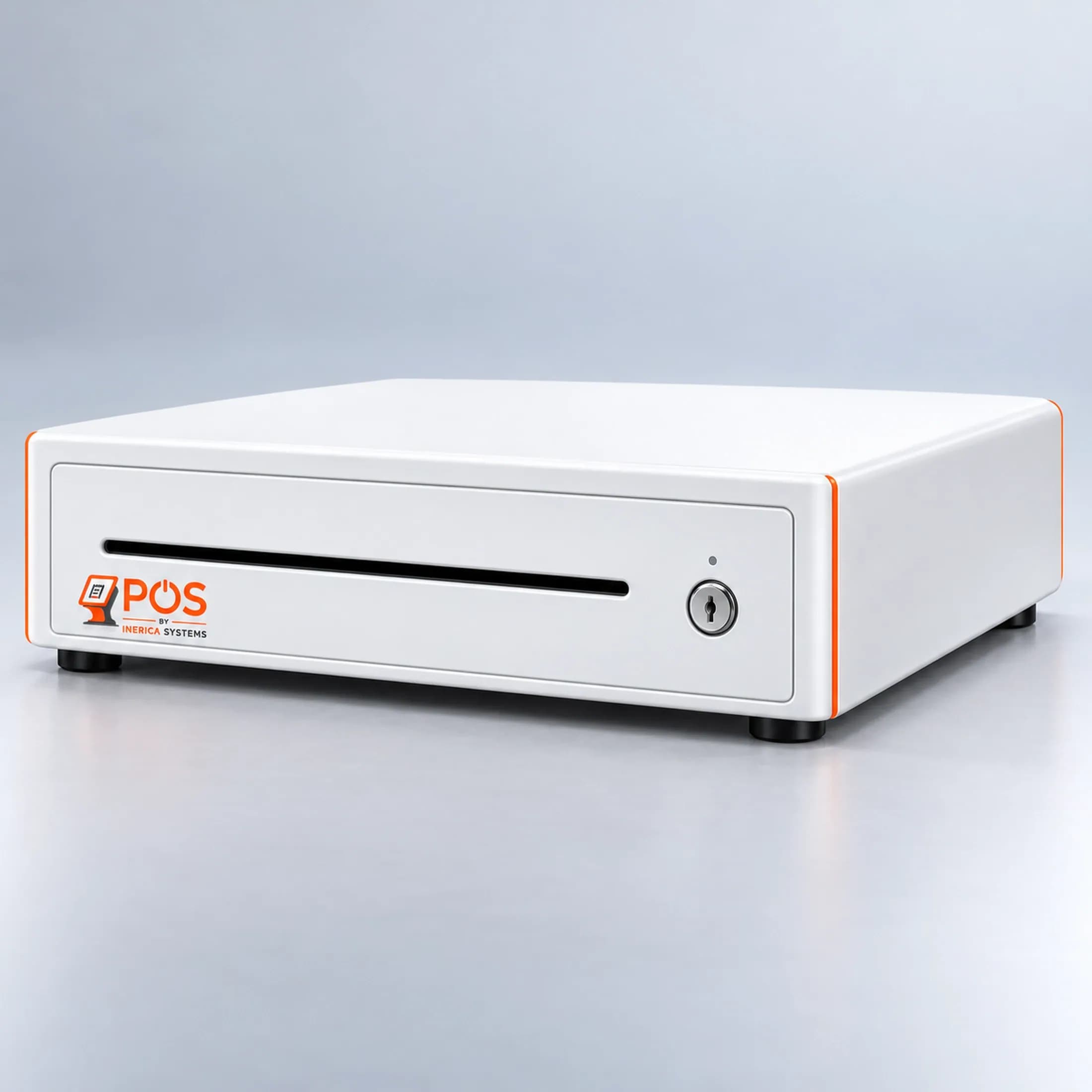
Payment
Card on the reader, or cash in the drawer.
Card payments are tokenized by your processor, so card numbers never reach your database or ours. A cash sale kicks the drawer open. A bill can be split across tenders.
With the connection down
Cash and account sales clear in full and queue on the machine. Cards need the connection, and the register says so plainly instead of guessing.
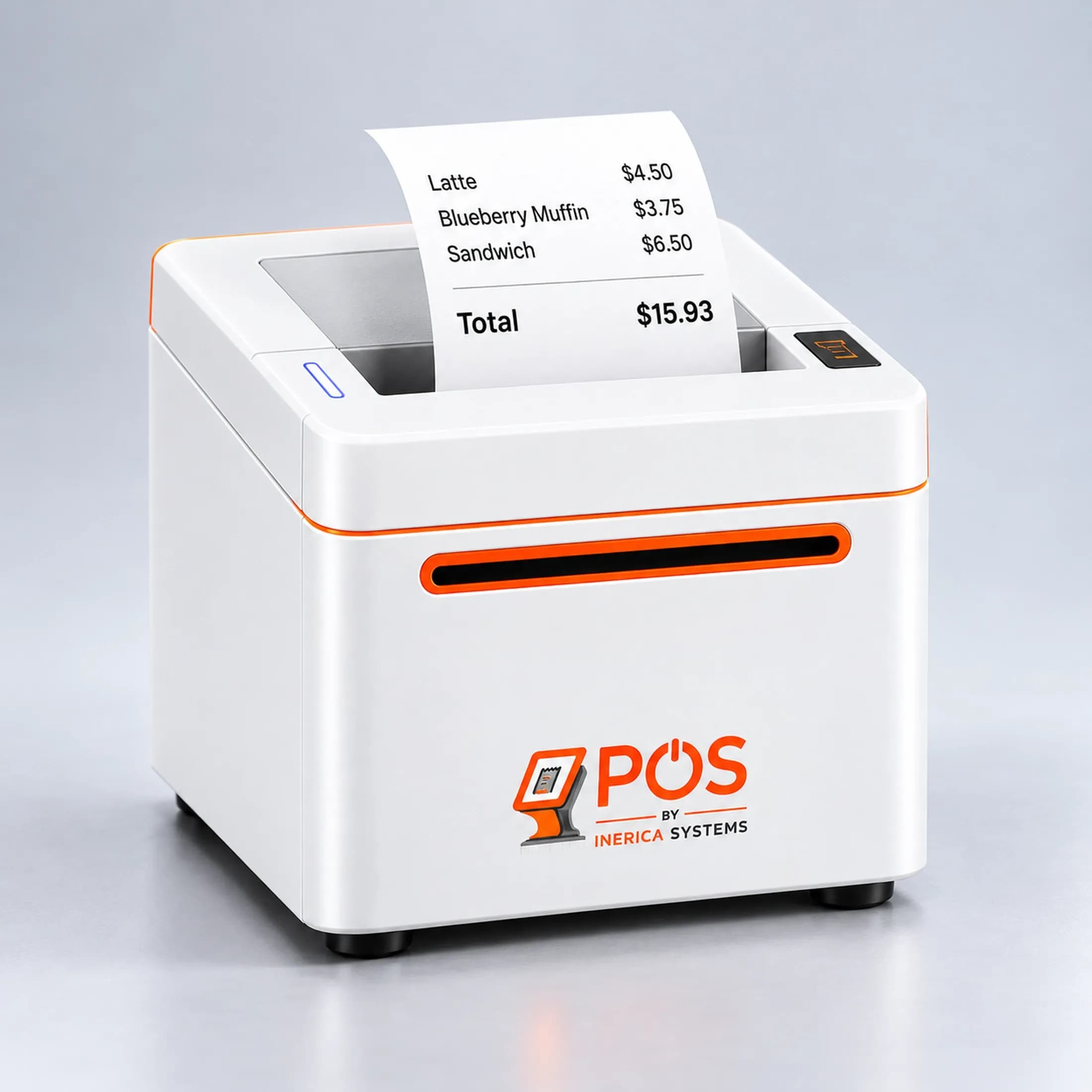
Receipt
Printed at the counter, through a local bridge.
A small bridge on the counter PC drives the thermal printer and the drawer — the browser can't, so it doesn't try. With no bridge running, the register falls back to an ordinary print.
With the connection down
The register shows the sale as saved offline, pending sync. It won't print a receipt for a sale that hasn't recorded yet.
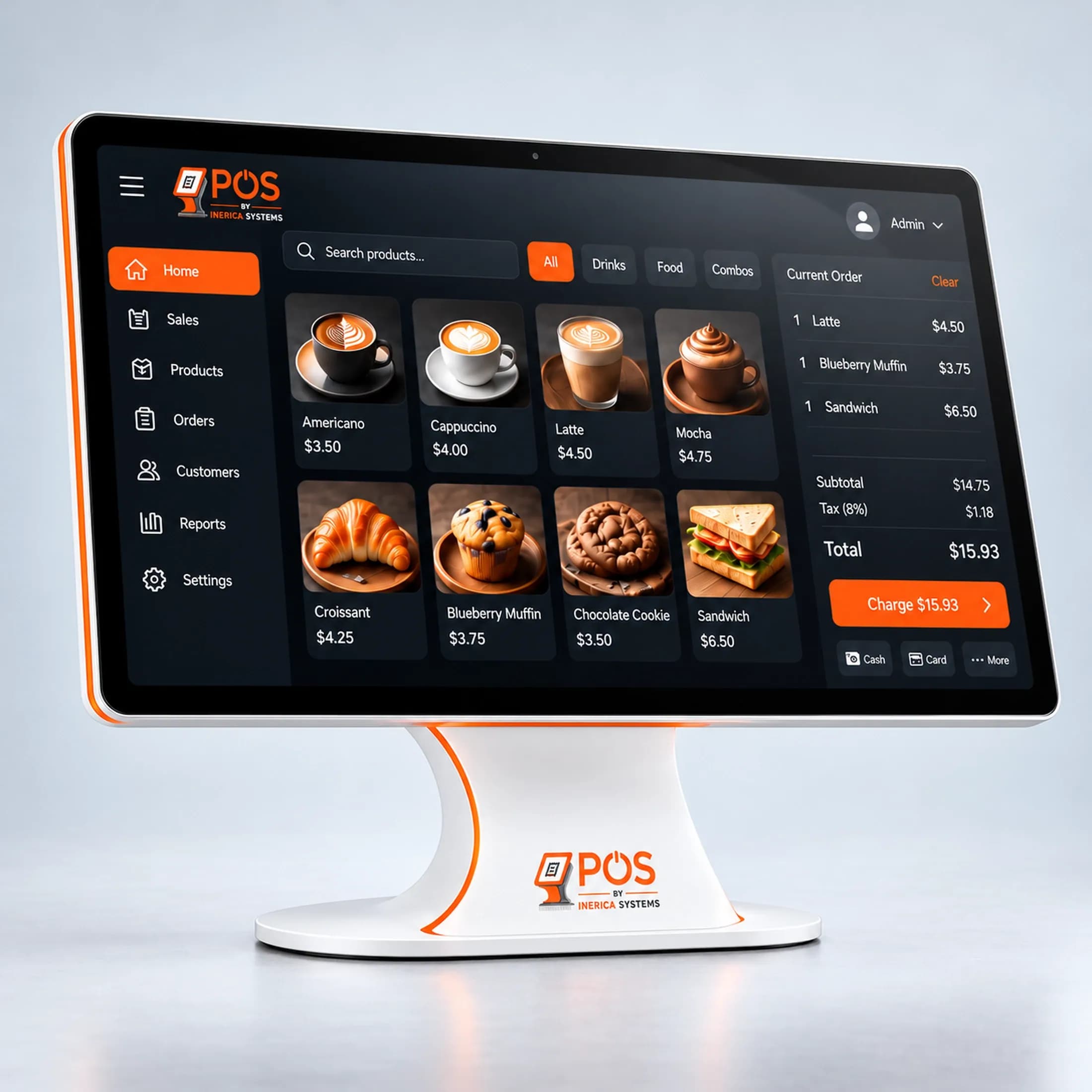
Audit trail
Who did what, written down and never rewritten.
Voids, refunds, account payments, drawer variance and setting changes go into an append-only log — who, what and when. Entries are added and read, never edited or deleted.
With the connection down
Queued sales replay when the connection returns, each with its own key, so a sale sent twice is recorded once.
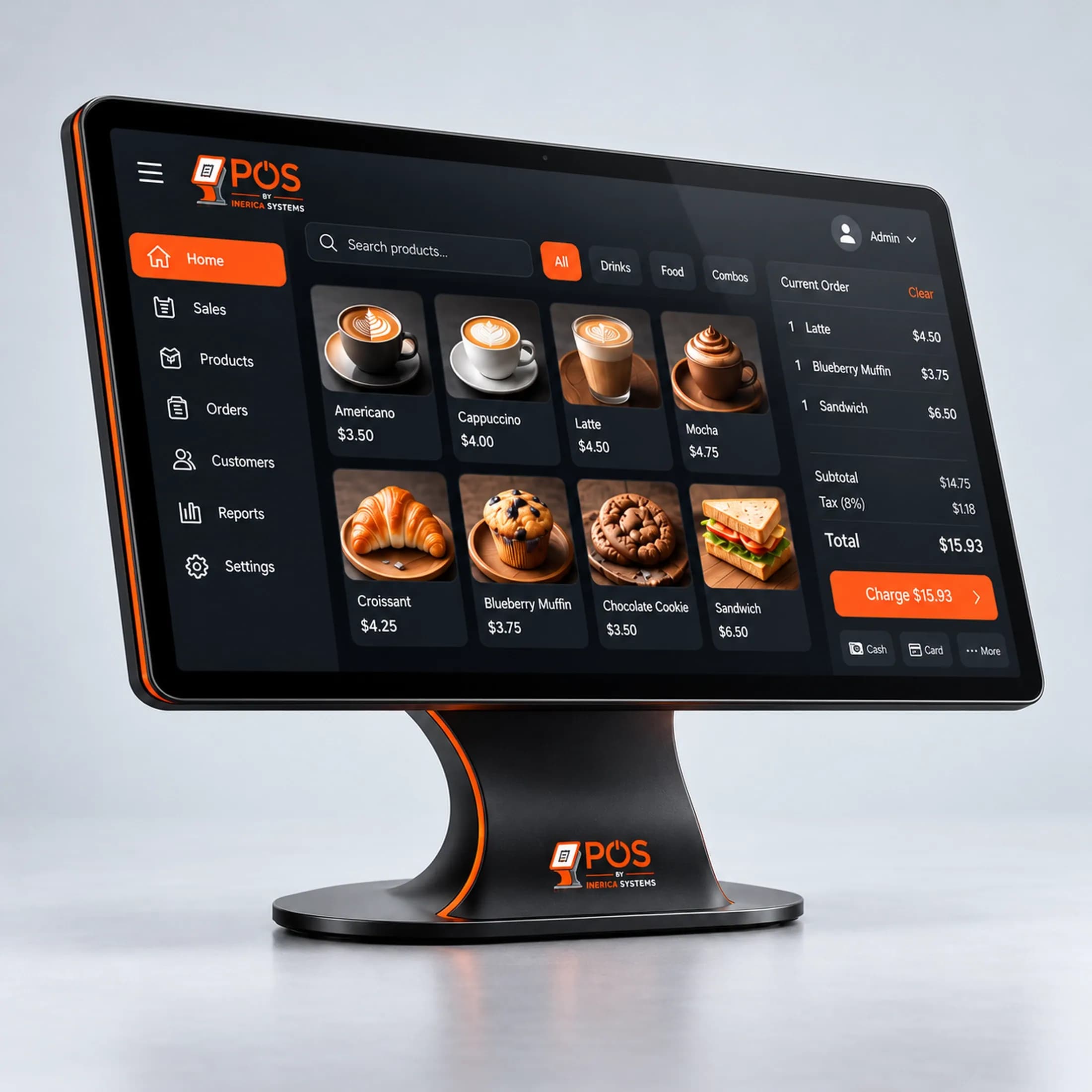
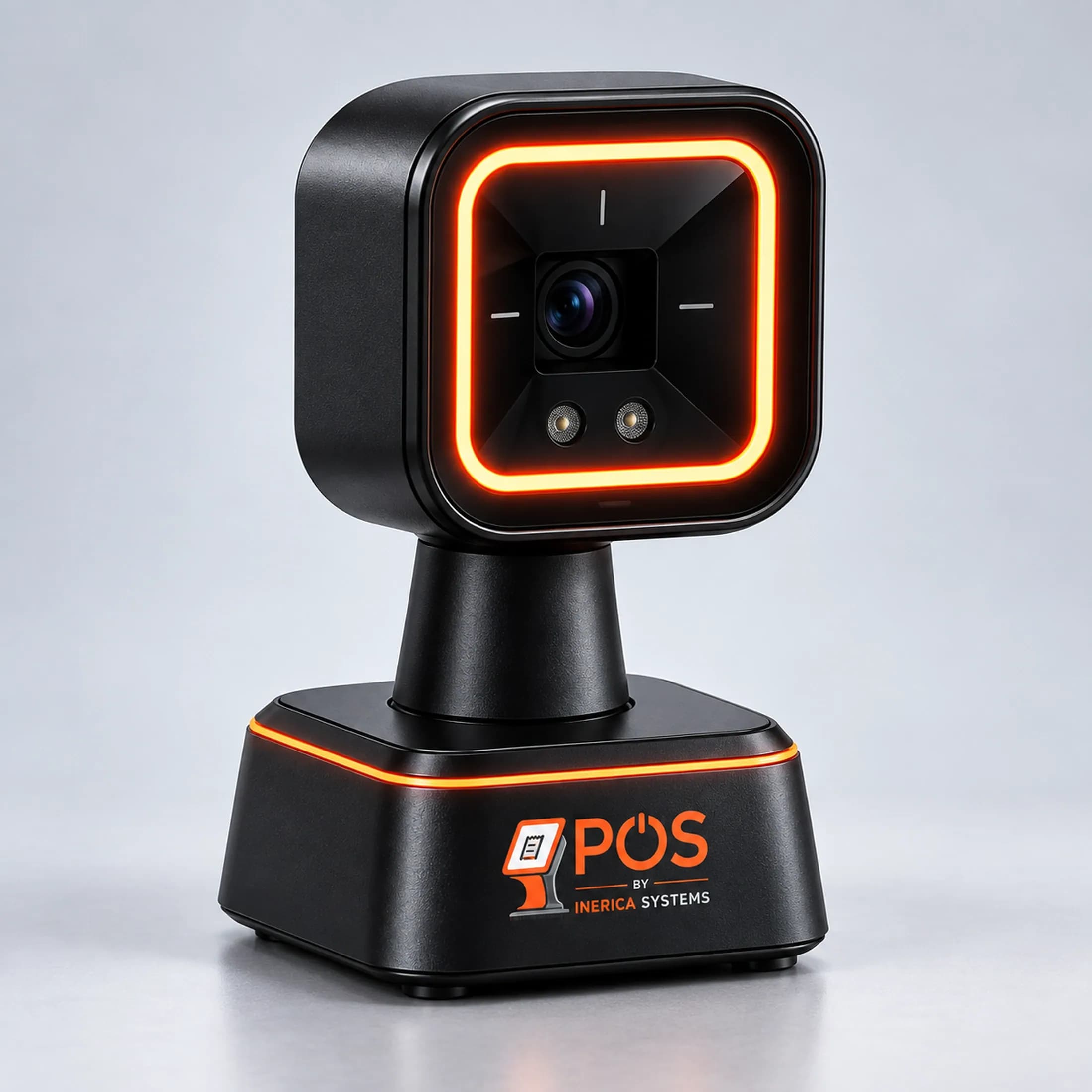
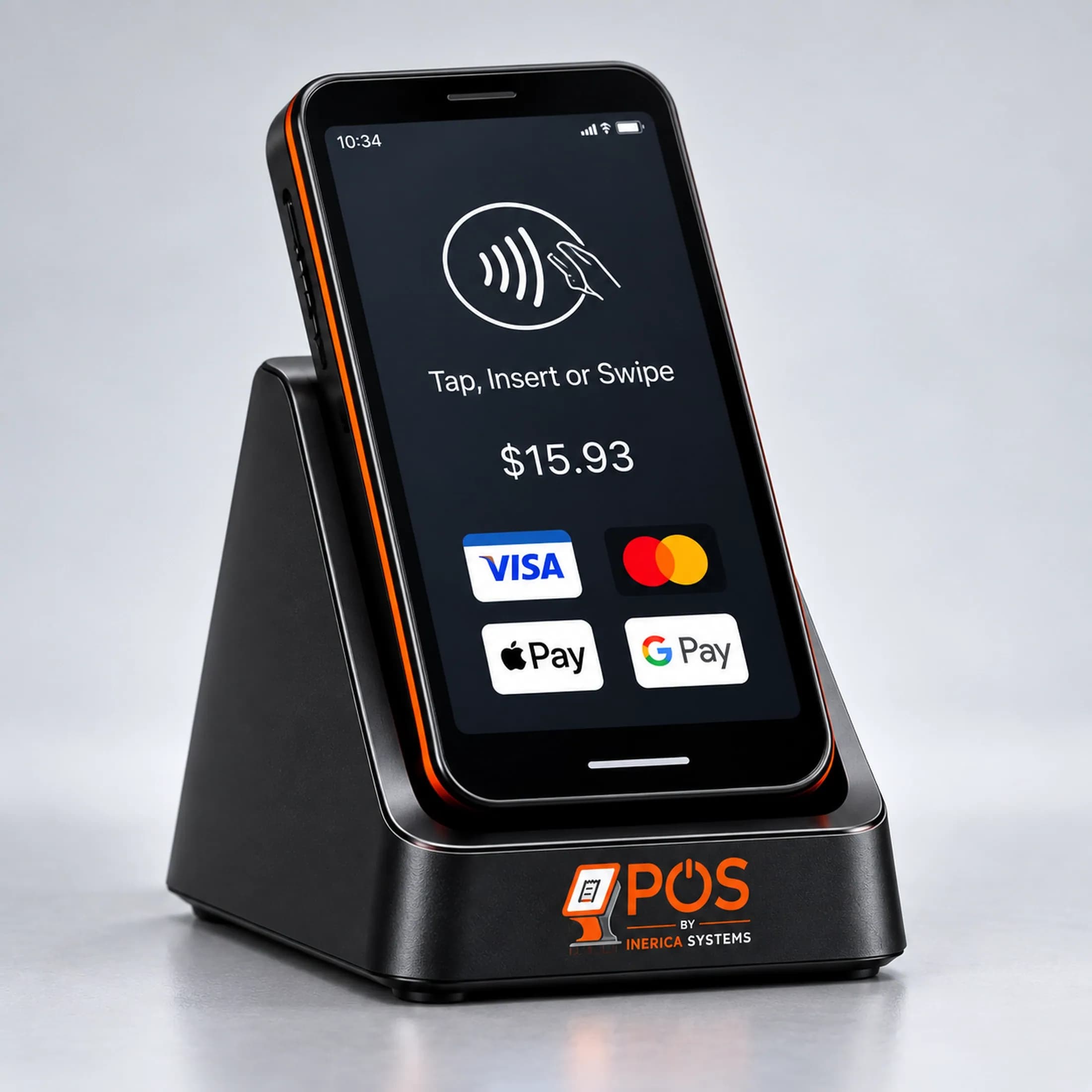
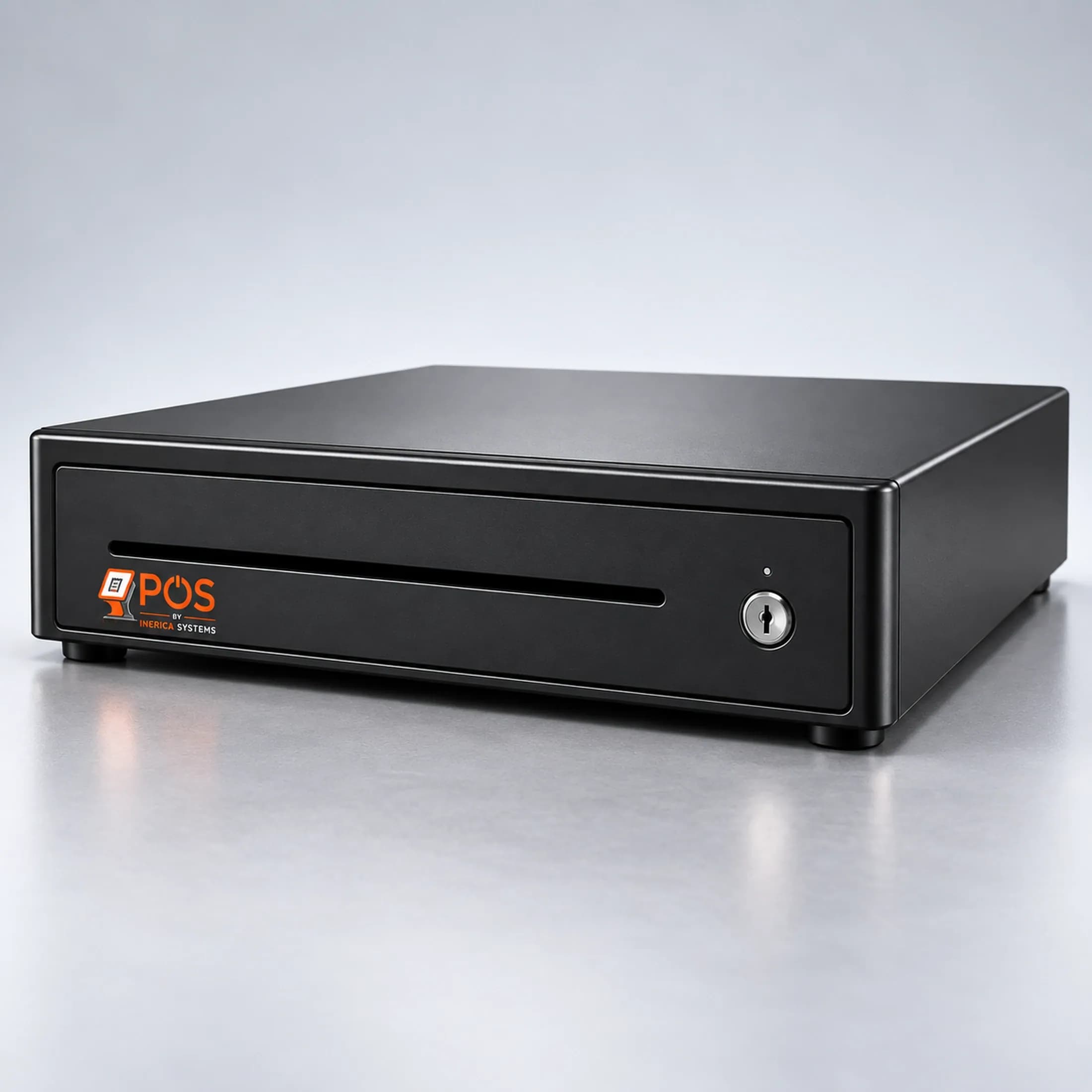
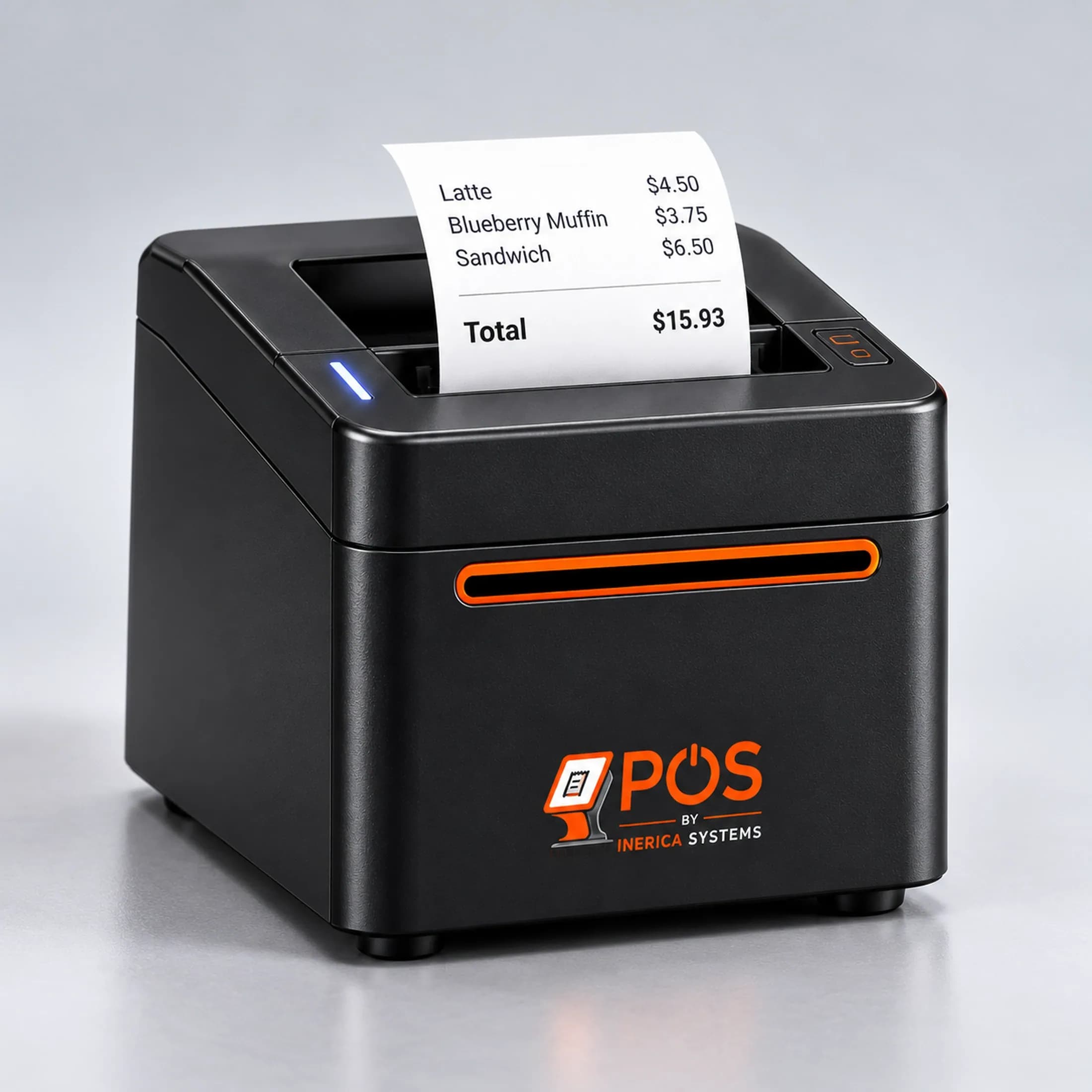
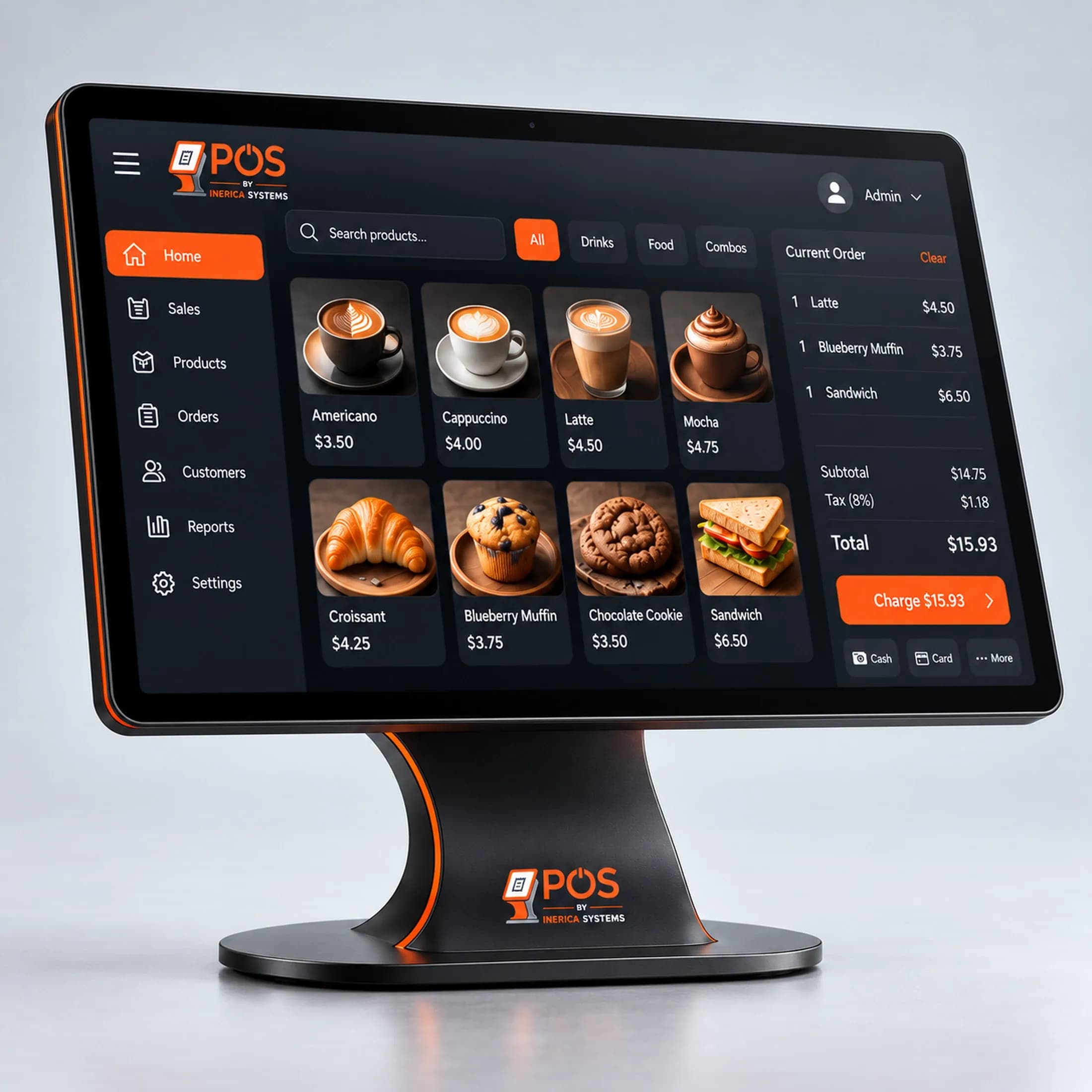
On the counter
Ordinary hardware, driven locally.
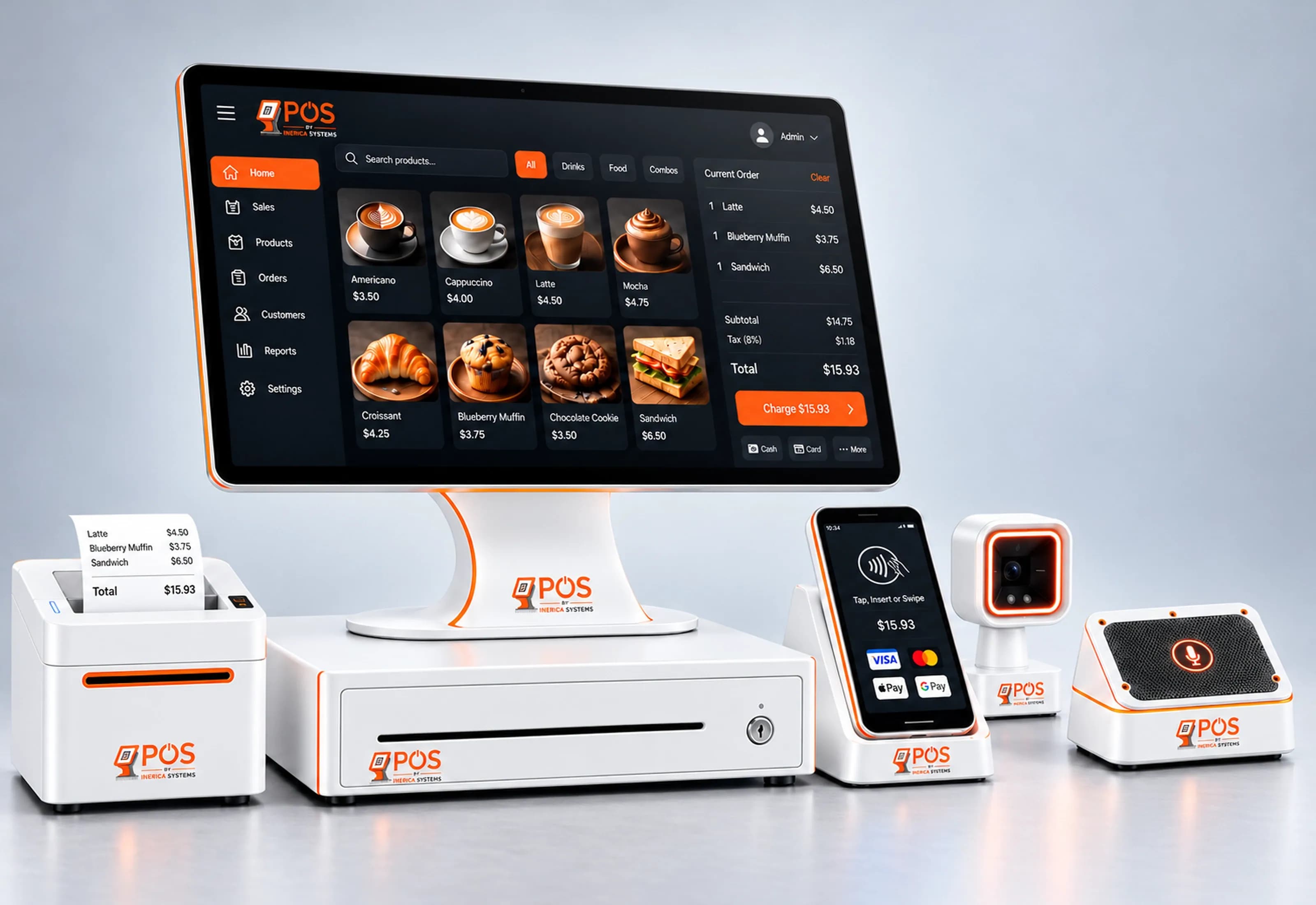
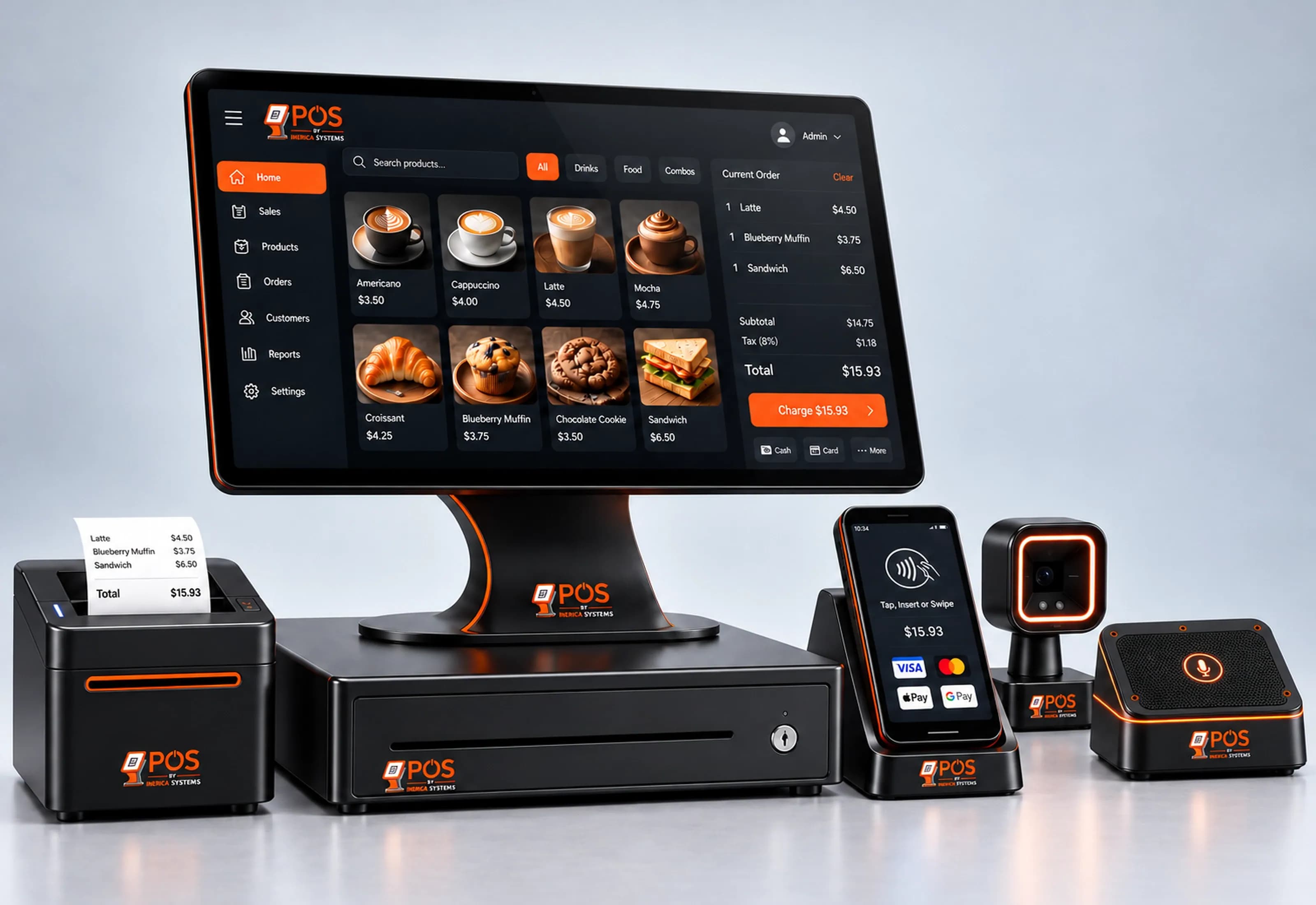
Nothing on the counter is proprietary, and nothing on it needs the internet to do its job. A printer, a drawer, a reader and a scanner you could replace from a catalog, and a small bridge on the counter PC that drives them.
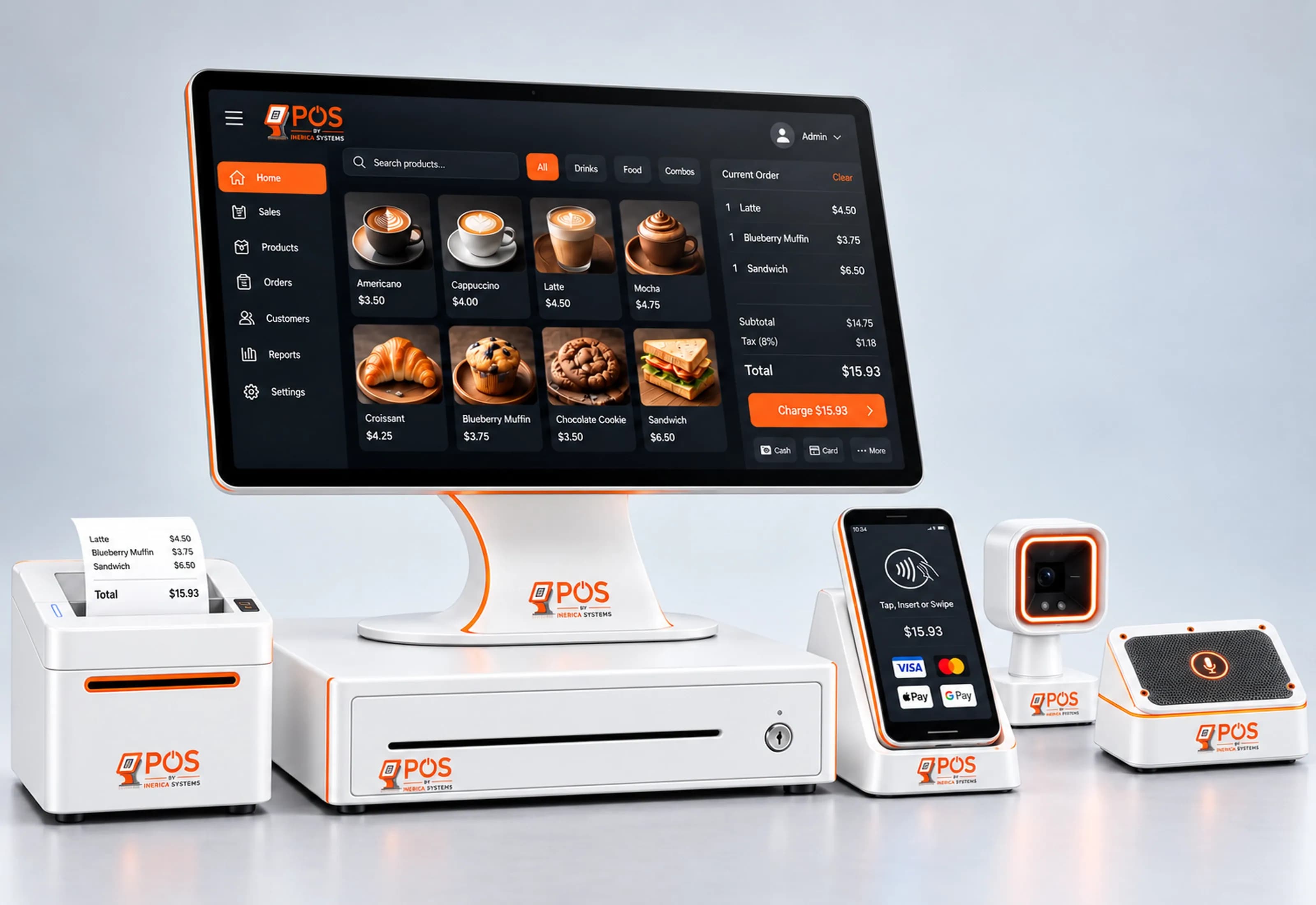
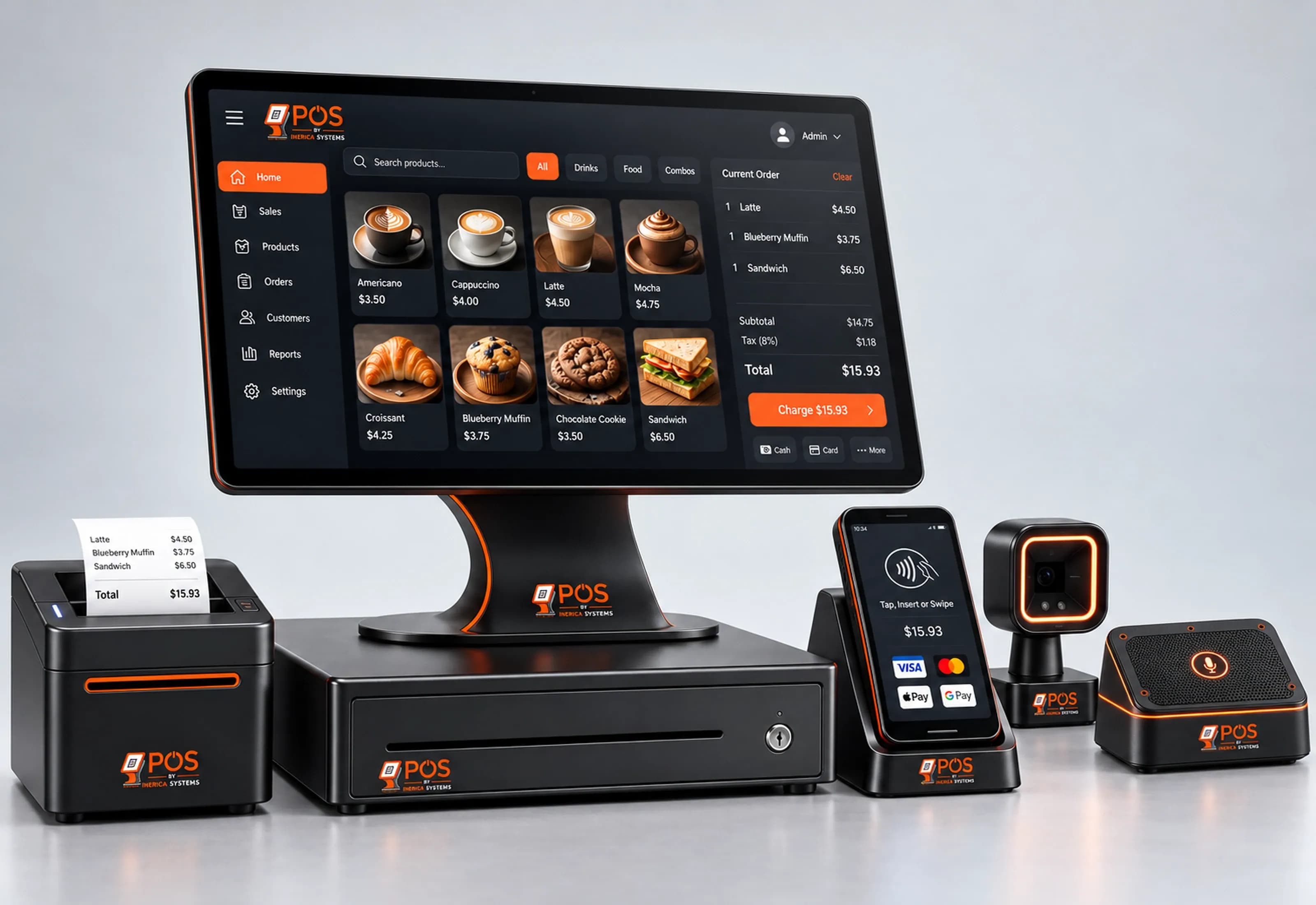
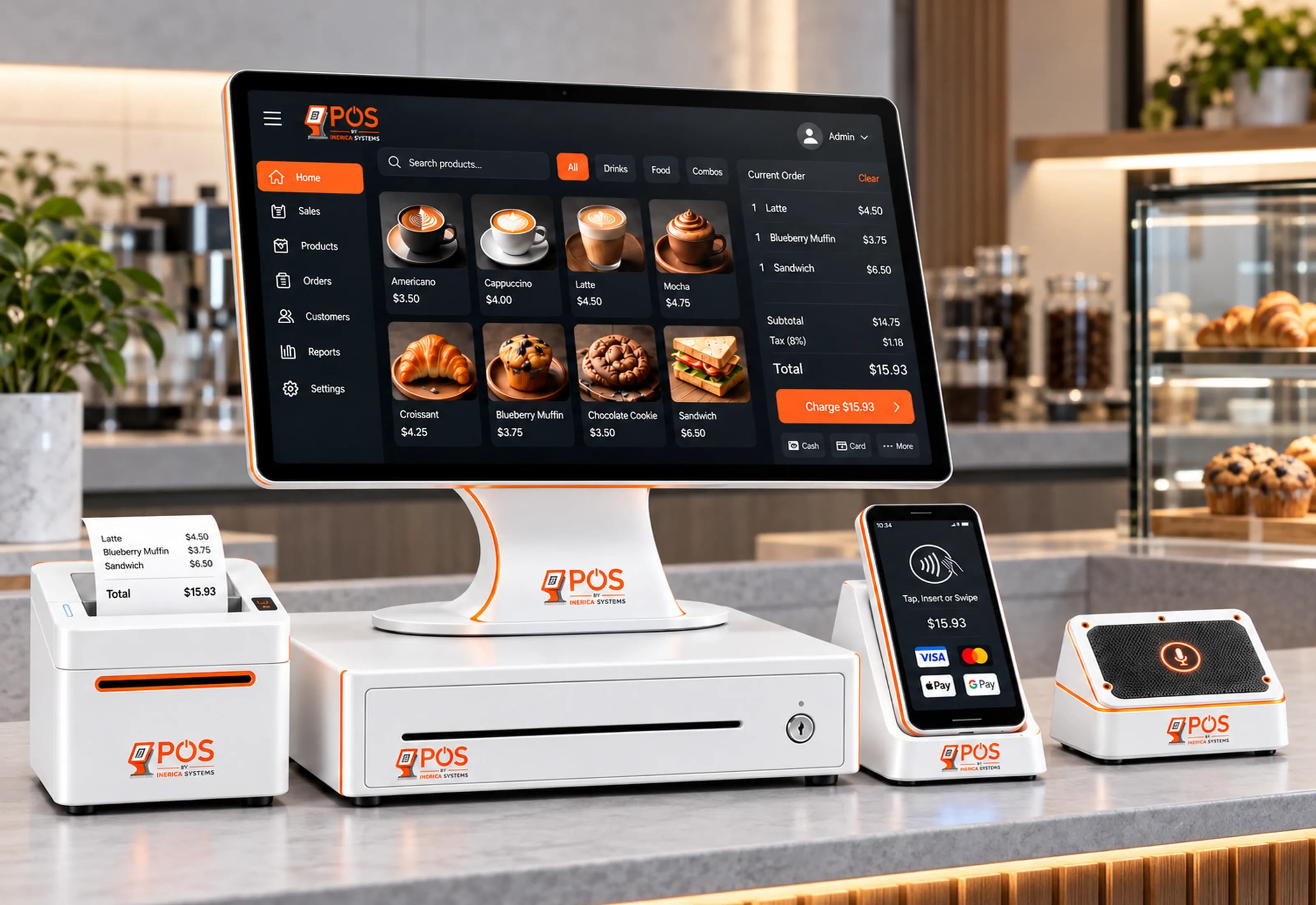
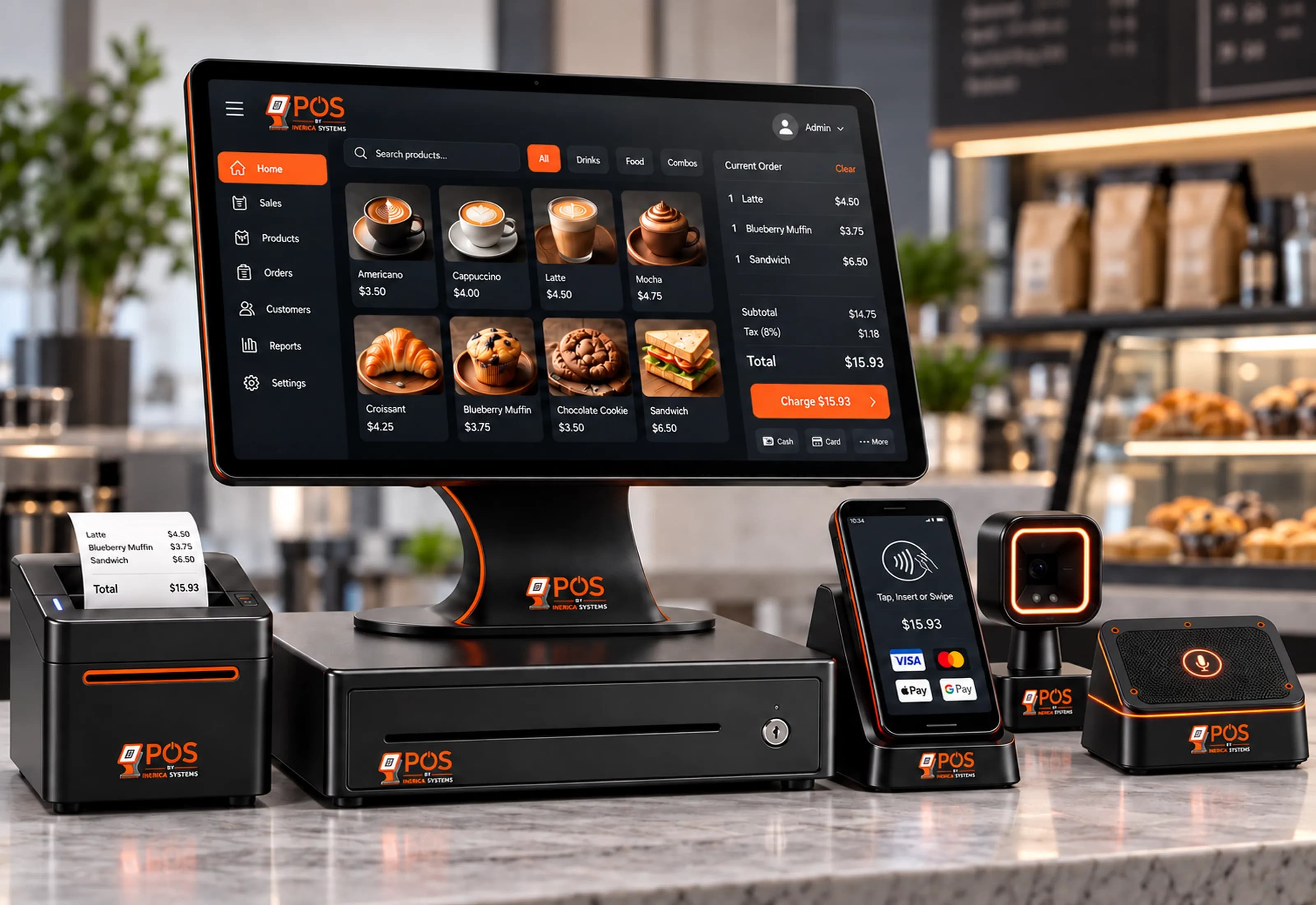
- Bulk units
- Soil, mulch and aggregate by the yard, half-yard and quarter-yard.
- Contractor pricing
- Account customers on their own prices and terms, beside walk-ins.
- Deliveries
- Delivery zones and fees, scheduled from the ticket.
- Purchasing
- Purchase orders and vendors, so stock comes in the way it goes out.
- Kitchens
- A floor plan, courses fired to a kitchen display, menu modifiers, tips, and dishes marked out automatically when the recipe's stock runs out.
- Your data, on your box
- Customer details encrypted at rest with AES-256-GCM, on your own hardware.
Running it today
Three trades, one system.
A bulk materials yard and a tire shop run it today, and a restaurant is being set up on it now. The same product underneath, with units, pricing, catalog or menu configured for each.
Bulk materials yard
Bay Area Landscaping Materials
Live
Soil, mulch and aggregate by the yard and half-yard, contractor pricing, delivery zones and a real cash drawer at the counter.
Read the case studyTire shop
R&S Tires
Live
A tire catalog with fitment lookup, quotes that convert to sales, and a website that feeds the counter.
Restaurant
Breakfast & Dinner
Setting up
The menu, modifiers, floor plan and kitchen display are being configured now. It goes live when the kitchen is ready to take orders on it — and this line will say so then, not before.
What it costs
One setup fee. No cut of your sales.
Setup
From $1,500
One-time, and it includes a rebuild of your website. We load your catalog, tax, units and delivery zones before you open.
Service & updates
$599/year
50% off your first year if you sign by July 5, 2027, then $1,198/year. No per-terminal fee.
- Unlimited terminals
- No percentage of revenue
- Runs on your own hardware
- You keep the data if you leave
Optional add-ons, monthly
- Erica AI Automation PackComplete digital marketing, plus Erica's agents answering, booking and following up.$499/mo
- Erica VoiceCustom voice agents for customer support, appointment booking and sales calls.$499/mo
What it isn’t
We would rather lose a sale than land the wrong counter.
- It isn't proven in every trade yet. The kitchen side is the newest part of the system, and its first restaurant is still being set up.
- It isn't for multi-state chains. It runs one business well; it isn't a franchise platform.
- It isn't a payments company. You bring your merchant account; we don't take a cut of your sales.
Questions
What counter owners ask before a demo
Does it really keep working when the internet is down?
Cash and account sales queue on the machine, the drawer still opens, and each queued sale is recorded exactly once when the connection is back. Card payments need the connection, and an offline sale is confirmed on screen rather than with a printed receipt.
What does it cost?
Setup is a one-time fee from $1,500, and it includes a rebuild of your website; we load your catalog, tax, units and delivery zones before you open. Service and updates are $1,198 a year, with the first year at $599 (50% off your first year if you sign by July 5, 2027). There is no per-terminal fee and no percentage of your sales. Two monthly add-ons are optional: the Erica AI Automation Pack at $499 a month, and Erica Voice at $499 a month.
Do I need special hardware?
No. Nothing on the counter is proprietary: a printer, a cash drawer, a card reader and a scanner you could replace from a catalog, and a small bridge on the counter PC that drives them.
Do you take a cut of card payments?
No. Inerica POS is not a payments company. You bring your own merchant account, and we don't take a percentage of your sales.
Who is running it today?
A bulk materials yard and a tire shop run it today, and a restaurant is being set up on it now. The same product underneath, with units, pricing, catalog or menu configured for each.
Is it right for a chain?
Not for multi-state chains. It runs one business well; it isn't a franchise platform. If that is what you need, we will say so on the first call.
What happens to my data?
It stays on your own hardware, with customer details encrypted at rest (AES-256-GCM). If you leave, you keep the data.
Start here
See it ring a sale.
Twenty minutes. We’ll pull the network cable mid-demo so you can watch the counter keep selling — and watch every queued sale land once when it comes back.
- Fixed quote before any work
- Most sites live in 14 days
- You own the code and the data
- A person replies within one business day